Last Updated on September 29, 2026
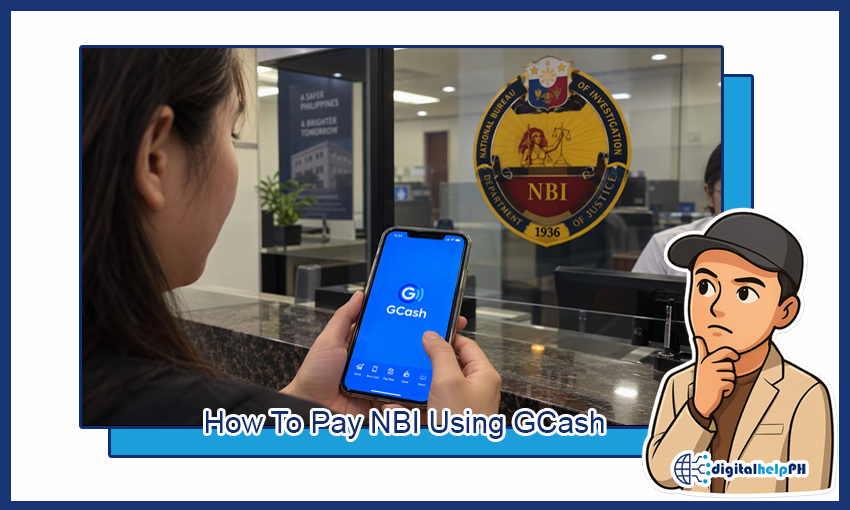
Here is how to pay NBI using GCash: you can settle your clearance fee straight from the app, with no queue at a payment center and no QR code.
Key Takeaways:
- Path in GCash: Bills > Government > NBI, then enter your reference number.
- Get the reference number first by booking your appointment on the NBI clearance website.
- Expect to pay the clearance fee plus a small online service charge. The exact total shows on screen before you confirm.
- A wrong reference number means the payment will not be credited to your application.
- If the status still says pending, wait a few hours before contacting anyone.
Before You Pay: What You Need
Three things, and you can check all of them in two minutes.
- An NBI reference number. You get this after you register and book an appointment on the NBI clearance portal (clearance.nbi.gov.ph). No reference number, no payment.
- A fully verified GCash account. If yours is not verified yet, the Bills feature may limit you.
- Enough balance. Load a little extra to cover the service charge.
How to Pay NBI Clearance Using GCash (Step by Step)
Here is the full process from start to finish.
Step 1: Get your NBI reference number
Log in to your account on the NBI clearance website, fill out the application, and pick your branch and appointment date. Once you finish, the site shows a reference number. Screenshot it or write it down. You will type it into GCash in a minute.
Step 2: Open GCash and go to Bills
Log in to the GCash app and tap Bills on the home screen.
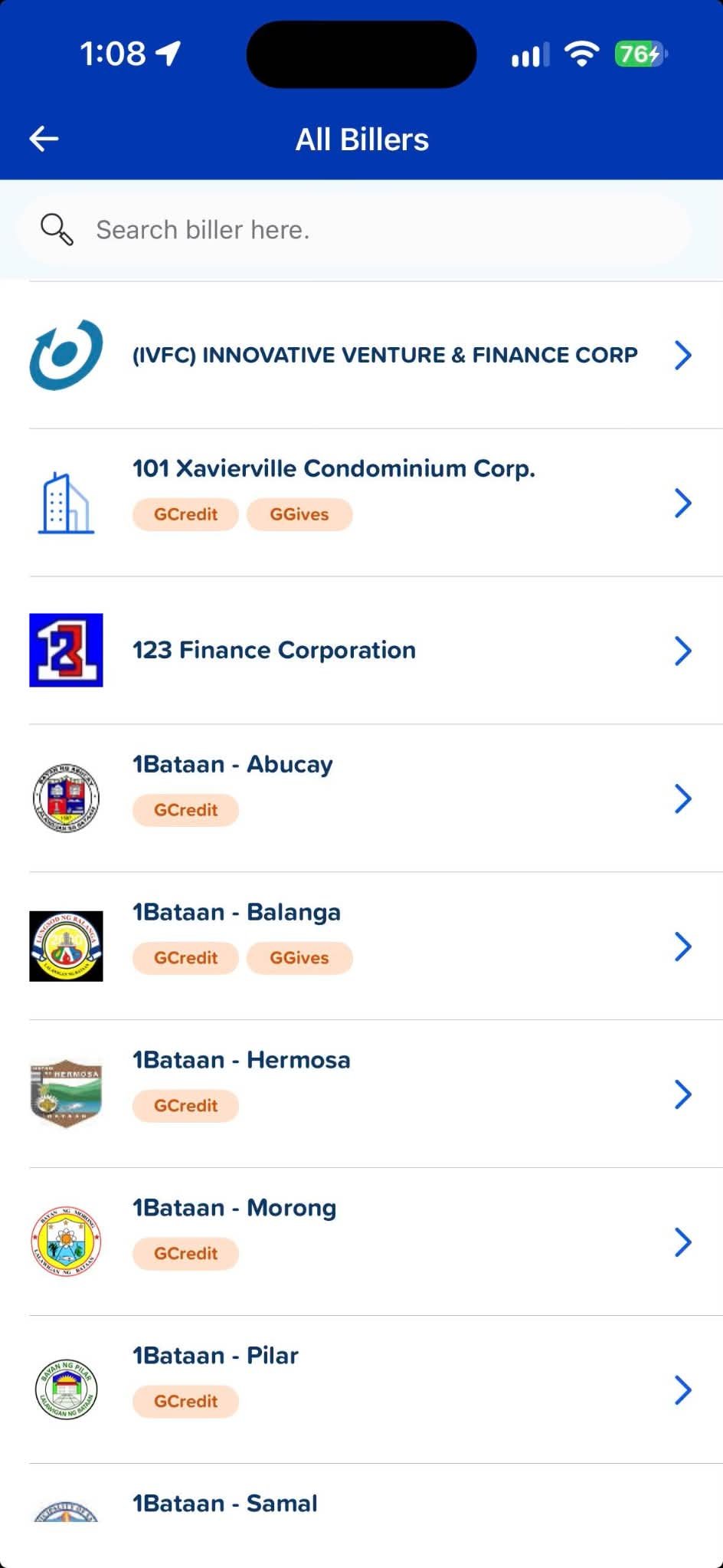
Step 3: Choose Government, then NBI
Tap the Government category and look for NBI. You can also type “NBI” in the search bar if the list is long.
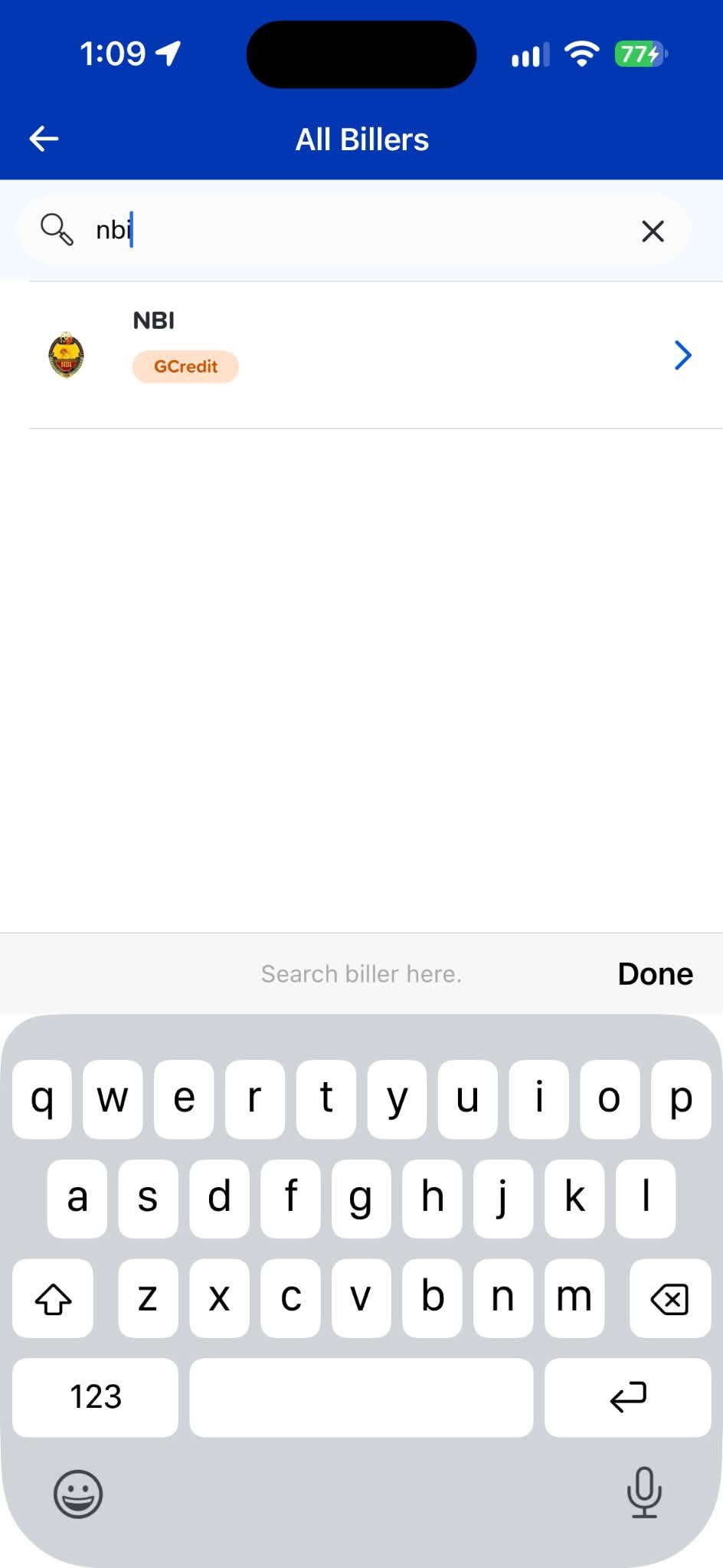
Step 4: Enter your details
Fill in your NBI reference number, the amount, your mobile number, and your email address. Double-check the reference number digit by digit. This is where most failed payments start.
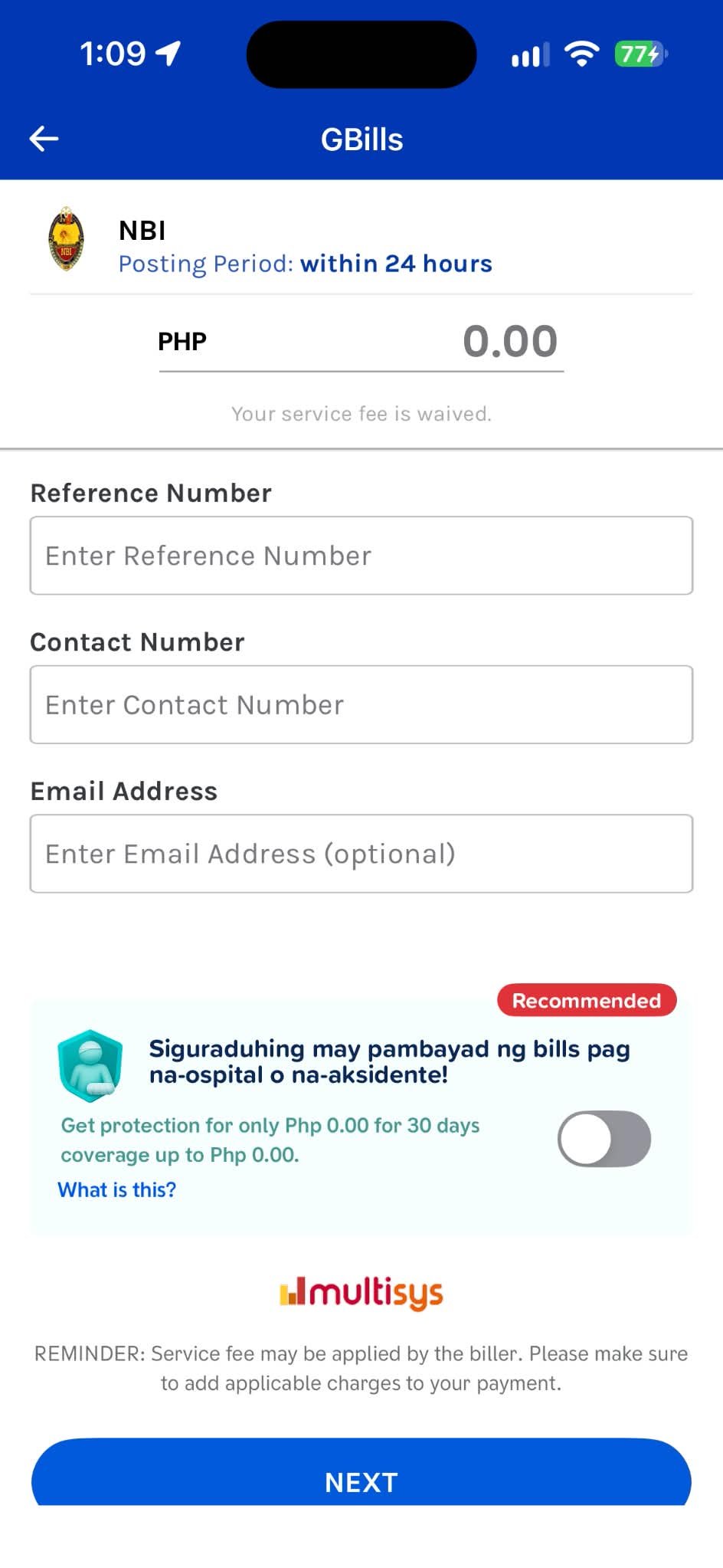
Step 5: Confirm and enter your MPIN
Review the summary, tap Confirm, then enter your MPIN. GCash sends a confirmation by SMS or email once it goes through.
Step 6: Check your NBI account
Log back in to the NBI portal after a few minutes and check that your status says paid. Save your GCash receipt too. If anyone at the branch asks, you can show it.
How Much Is the NBI Clearance Fee in GCash?
The clearance fee itself is around P130. Paying online adds a small service charge, so most applicants end up paying somewhere between P155 and P160 in total. Websites quote slightly different numbers, and the amount can change, so go by what your screen shows after you enter the reference number.
Renewals or delivery options can cost more. First-time jobseekers may also be exempt from the fee under the First Time Jobseekers Assistance Act, but that comes with its own requirements, so ask the NBI before you assume it applies to you.
Can You Pay NBI Using GCash Without a QR Code?
Yes. You do not need a QR code at all. The Bills method works with just the reference number, which is why it is the easiest route. QR payments only matter if you are paying at a physical location that asks for one.
Paying NBI With GoTyme or MariBank
If your money sits in GoTyme or MariBank, you have two options. First, open the Pay Bills section of your bank app and see if NBI is listed as a biller. Supported billers change from time to time, so check the list yourself. Second, and simpler, transfer the amount you need to your GCash wallet and then follow the steps above.
If you are still deciding which digital bank to use, we covered one of them in our GoTyme Bank review.
NBI Payment Problems and How to Fix Them
You paid, but the NBI status still says pending
This is the most common one. The payment can take a few hours to reflect on the NBI side. Wait at least half a day before doing anything. If it is still pending after that, contact NBI support and send your reference number and GCash receipt.
You entered the wrong reference number
The payment will not be applied to your application, and online payments are generally not refundable. Reach out to GCash Help Center with your transaction number as soon as you notice, but do not count on getting it back. Copy the reference number from the NBI portal instead of retyping it.
NBI is missing from the Government list
Update the GCash app first, then search “NBI” in the Bills search bar. If it is still missing, the biller may be down for maintenance. Try again later, or check our GCash issue today page.
Payment failed or shows an error
Usually it is one of these: not enough balance, an unstable connection, or an unverified account. Check your balance, switch between Wi-Fi and mobile data, and try again. Look at your GCash transaction history before retrying, so you do not pay twice.
The reference number no longer works
Old reference numbers can expire if they stay unpaid. If yours was generated a while ago, log in to the NBI portal and check whether you need to book a new appointment.
Other Ways to Pay NBI Clearance
GCash is not your only option. The NBI portal also lists other online channels, bank payment, and over-the-counter options such as 7-Eleven and Bayad Center. Whichever you choose, you still need the same reference number. If you already use Maya, our guide on sending Maya to GCash shows how to move money over.
Frequently Asked Questions
Is NBI clearance accepted in GCash?
Yes. NBI is listed under Government in the Bills section of the GCash app, and you pay it using your reference number.
How do I pay NBI with a reference number?
Open GCash, go to Bills, then Government, then NBI. Type in your reference number, confirm the amount, and enter your MPIN.
Can I pay using someone else’s GCash account?
Generally yes, as long as the correct reference number is entered. The payment attaches to the reference number, not the wallet owner. Keep the receipt anyway.
Can I get a refund if I paid the wrong amount or number?
Do not assume so. NBI payments are usually treated as non-refundable. Contact GCash and NBI support right away with your receipt if something went wrong.
Do I need to print the GCash receipt?
Printing is not usually required, but keep a screenshot or the confirmation message on your phone in case the branch asks.
